

 EN

solving-software-freezes-and-errors-on-modern-shockwave-machines, solving-software-freezes-and-errors-on-modern-shockwave-machines, /blog
EN
Software freezes and error messages interrupt treatment workflows, but they do not automatically mean equipment failure. A shockwave machine may pause because of a temporary software conflict, an incomplete startup, a connection issue, or a setting that needs attention. A methodical response helps staff protect the treatment session, preserve useful information, and distinguish a recoverable issue from one that needs technical support.
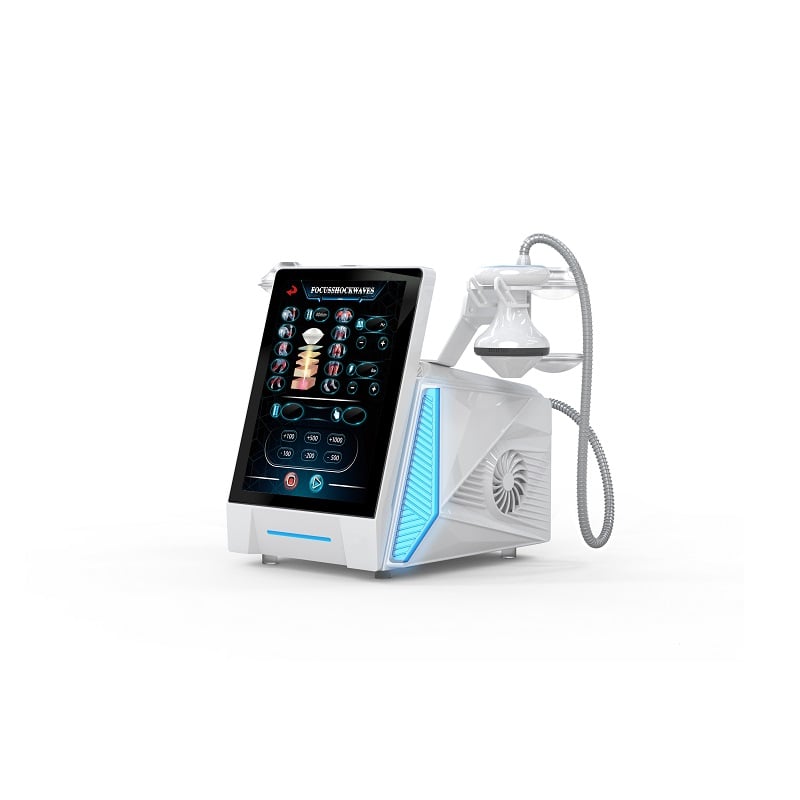
The safest approach starts with observation rather than repeated button presses or an immediate power cycle. Record what appeared on screen, what the operator was doing, and whether the shockwave unit still responds to its controls. This context helps a service professional reproduce the problem and can prevent avoidable disruption in a physiotherapy shockwave appointment.
When the display freezes, pause treatment and note the exact message, time, selected program, and stage of operation. Check whether the shockwave device has stopped responding entirely or whether only one screen is delayed. A shockwave unit that still shows status indicators may be behaving differently from one that has lost power, so record visible cues without guessing at their meaning.
Describe the steps immediately before the fault, including a change in energy, a program selection, an accessory connection, or a restart. If the shockwave machine displays a code, photograph it when facility policy permits. This small record is useful for recurring software errors and gives support staff more than a general report that the system froze during treatment.
Confirm that the power connection is secure and that the unit is being used in its normal operating environment. Inspect accessible cables and connectors for looseness or visible damage, but do not open the housing. If the shockwave device reports a connection problem, reseat only user-accessible connections as described in its instructions, then see whether the message changes.
Also consider whether the interface was still loading or processing a command when the operator pressed another control. During physiotherapy shockwave work, rapid repeated inputs can make it harder to tell whether a screen is unresponsive or merely delayed. Allow the display time to respond, keep the applicator in a safe position, and follow the approved pause procedure before taking further action.
Start with the equipment instructions and the facility’s operating procedure. If they permit a restart, end or pause the session safely, remove the patient from the active treatment position as required, and use the documented shutdown sequence. A shockwave unit should not be disconnected abruptly simply because its screen appears frozen unless the approved procedure directs that action.
After shutdown, wait for the specified interval before powering the system back on. Observe whether the shockwave machine completes its startup checks and returns to its normal home screen. Do not resume treatment until the device is ready, the intended settings are confirmed, and any warning has cleared according to the manufacturer’s instructions. If the same freeze returns, stop repeating the restart cycle.
A fault that appears after an accessory is connected may involve the connection, the accessory, or the software state; the timing alone does not prove a cause. Follow approved checks for the shockwave device, and avoid swapping components unless the operating guidance allows it. Note whether the issue occurs only with one program or accessory, since that pattern can help technical support narrow the investigation.
For a recurring physiotherapy shockwave interruption, compare the current session conditions with the last successful use without changing clinical settings to test a theory. Check whether the interface shows a pending confirmation, a loading indicator, or a warning that requires an operator response. This controlled sequence reduces uncertainty and makes it easier to identify a repeatable software symptom rather than an isolated delay.
Use only approved software updates and follow the documented installation process. Before any update, confirm that the system is in the required state and that staff know how to respond if the process pauses. A shockwave machine should not be switched off during an update unless the instructions specifically call for it. Record update dates and any change in behavior noticed afterward.
Consistent startup, shutdown, and user access practices can make faults easier to interpret. Train operators to avoid unsupported settings changes and to report unusual screens promptly. For each shockwave unit, maintain a concise service record with the error text, operating context, actions taken, and outcome. Clear records help distinguish a one-time event from a pattern that warrants technical investigation.
Stop using the equipment and contact authorized support if an error persists, returns after a permitted restart, or is accompanied by unexpected output, unusual sound, heat, or visible damage. Do not bypass a warning or continue treatment to see whether the issue resolves. In a clinical setting, use the established alternative workflow while the shockwave device is assessed.
Share the recorded message, software version if available, circumstances, and troubleshooting steps with the support team. Avoid opening the system or attempting repairs beyond operator-level instructions, as internal components and configuration may require qualified service. A disciplined response protects patients, preserves diagnostic information, and helps return the shockwave machine to normal use through an appropriate process.
Not automatically. First pause treatment safely, document the screen, and consult the operating instructions. Restart the shockwave unit only if the approved procedure permits it, then verify that startup checks finish before resuming a session.
Provide the exact message or code, when it occurred, the program and operation underway, visible status indicators, and actions already taken. For a shockwave device, these details help support staff assess whether the fault is repeatable and what next step is appropriate.
Do not assume that a cleared warning means the system is ready. Follow the equipment instructions and facility policy, confirm normal operation, and seek guidance if the alert recurs. Resume physiotherapy shockwave treatment only when the device is cleared for use.